Time-lapse Series Painter
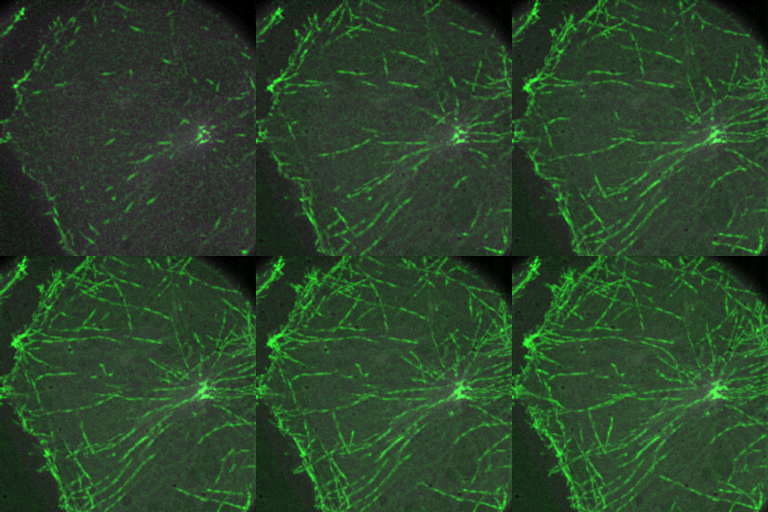
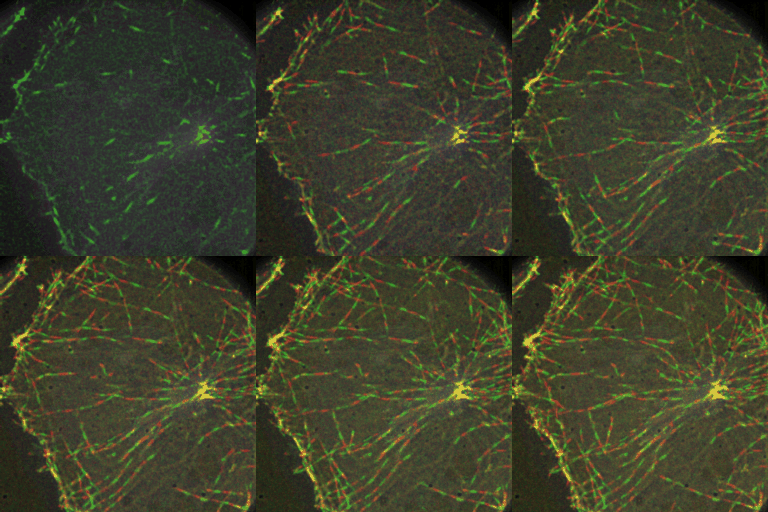
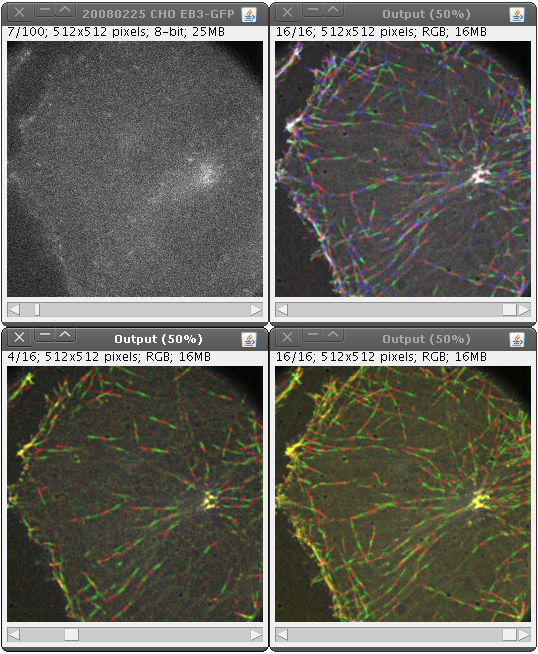
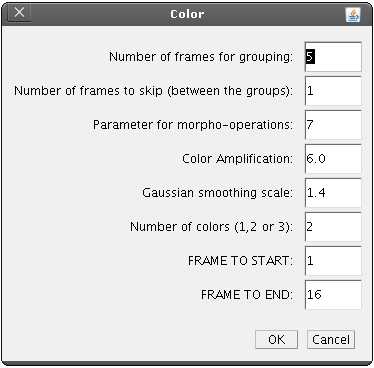
This plugin creates visually enhanced representation of the object motion. For image sequences containing moving subcellular structures, the objects are detected in each frame and grouped (by means of maximum intensity projection) into short trajectories represented by one color (see parameter description). Depending on the number of colors, the final image gives an impression about the object motion (clearly visible direction). Additionally, the length of the color patches withing one trajectory indicates if the motion is linear (with almost constant velocity, in this case the patches are of more or less equal length) or some acceleration is present. The plugin can deal with images of very low quality, SNR ~ 2 and higher (see screenshots).
It even made the front cover of October 2010 Issue of Journal of Cell Science:

Plugin
Save the AColor_.jar file into "plugins" folder of your ImageJ installation directory and restart ImageJ. The new plugin will appear in Plugins menu (Plugins->AColor)
The time-lapse image sequence that will be processed should contain image frames as TIME FRAMES and not as Z-SLICES.
For that, in ImageJ go to Image->Properties and in the dialog window check if the "Slices (z)" is set to 1 and
the field "Frames (t)" contains a meaningful (>1) number.
Requirements
The following plugins should be additionaly placed into "plugins" folder of your ImageJ installation directory:
Screenshots